Tools
By Kam Diba
Free Halloween backgrounds for your TV and projector
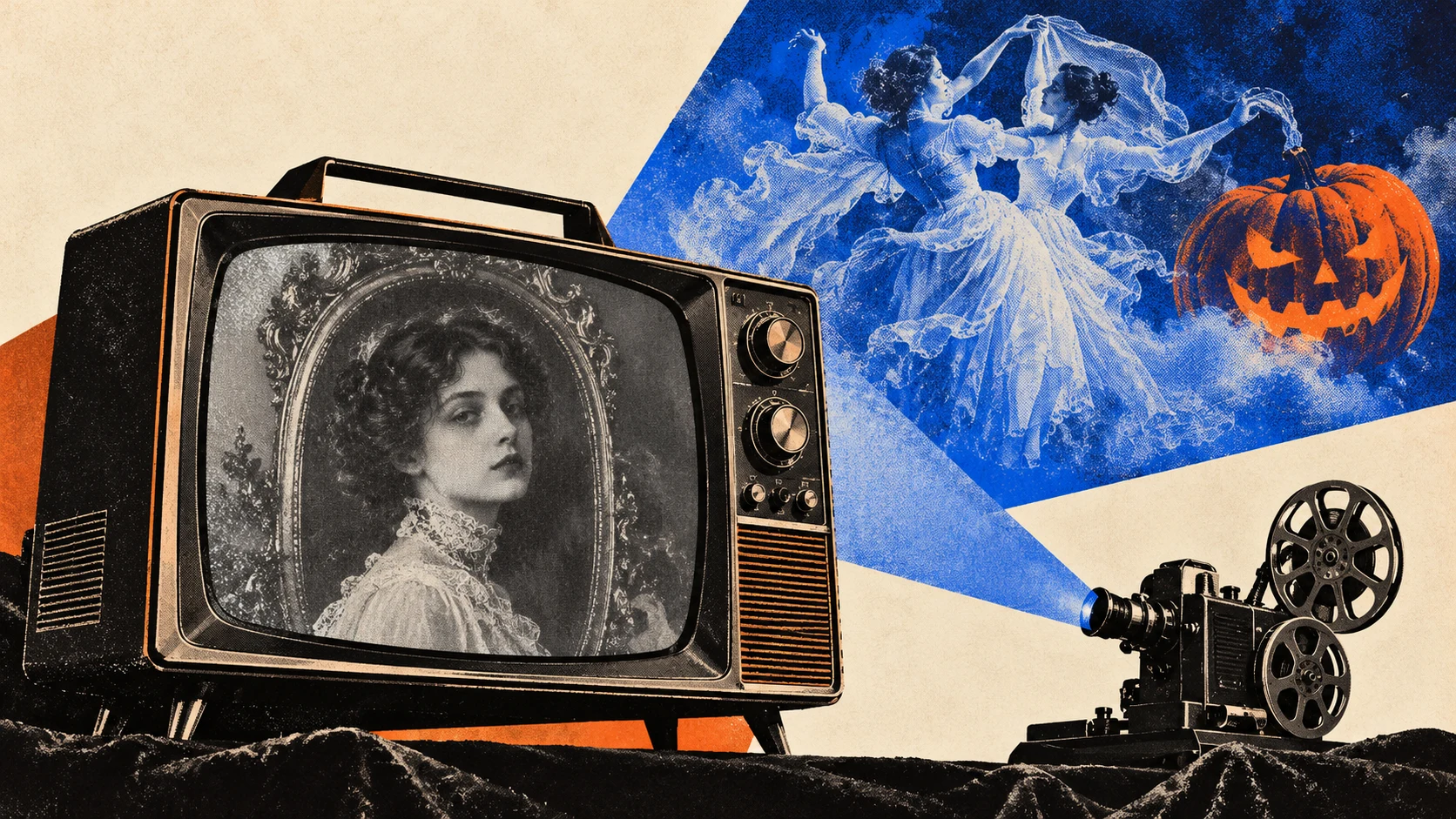
Five free Halloween video loops I made for TVs and projectors. Watch the YouTube playlist or download the full-quality MP4s and set them to repeat.

By Kam Diba
Five free Halloween video loops I made for TVs and projectors. Watch the YouTube playlist or download the full-quality MP4s and set them to repeat.
Anyone who knows me knows I love Halloween. It’s the one season where I get to go all-in on creative engineering projects, and the party is the excuse.
No all-out party from me this year. A few friends are hosting and I’m attending, so I made something for their walls instead: five looping Halloween backgrounds for TVs and projectors.
They’re free.
Stream on YouTube. Open the playlist, cast it to your TV, and enable repeat in your player. The YouTube versions are extended loops, ready to set the mood.
Download the files. Grab the MP4s below, put them on a thumb drive, and play them on repeat using a compatible TV, projector, or media player.
Download all five backgrounds — ZIP, 105 MB
The ZIP contains the five full-quality MP4 loops. Four are 1920 × 1080; The Last Waltz is 1280 × 720. The previews below are smaller files for quick viewing.
A Victorian portrait with an unsettling glitch.
Includes sudden glitches and flashes.
Download The Haunted Portrait — MP4 · 1080p · 7.9 MB
Floating pumpkins against a black background.
Download Jack-o’-Lanterns — MP4 · 1080p · 10.8 MB
Two Victorian apparitions sharing one last dance.
Download The Last Waltz — MP4 · 720p · 2.2 MB
A witch keeping a close eye on her bubbling cauldron.
Download The Cauldron — MP4 · 1080p · 63.1 MB
A haunted television signal with something hiding in the static.
Includes sudden glitches and flashes.
Download Dead Channel — MP4 · 1080p · 20.8 MB
Use whichever background fits your space. Share the page with a friend who’s hosting.
BoO!
Kam